The main menu - Overview
TABLE OF CONTENTS
- Main Menu Overview
- 1 Courses
- 2 Updates
- 3 Groups
- 4 Calendar
- 5 Library
- 6 Links (optional)
- 7 Apps (optional)
- 8 Search bar
- 9 Personal Menu
- 10 Notifications and Messaging
- 11 Additional Options
Main Menu Overview
The main menu bar provides multiple navigation options across the top of itslearning. This reference guide explains each section and its key features.

1 Courses
Access and manage all your teaching courses from the "Courses" section.
Main Courses Page
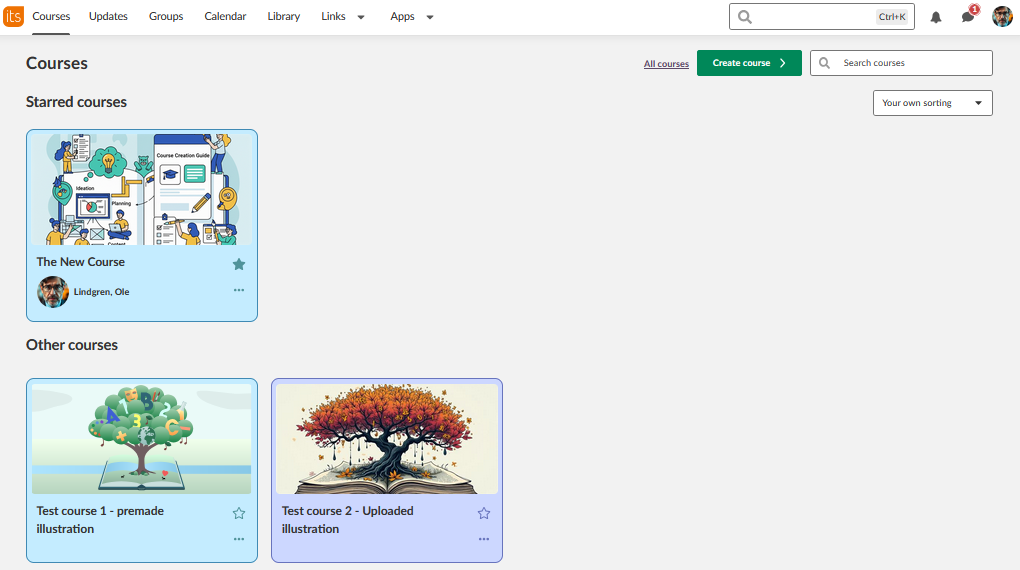
- View "Starred courses" (your favourites) and "Other courses"
- Course cards show last updated date, status, and your role
- Yellow star indicates favourite courses - click to add/remove from favourites
- Use "All courses" to see your complete course list
All Courses Page
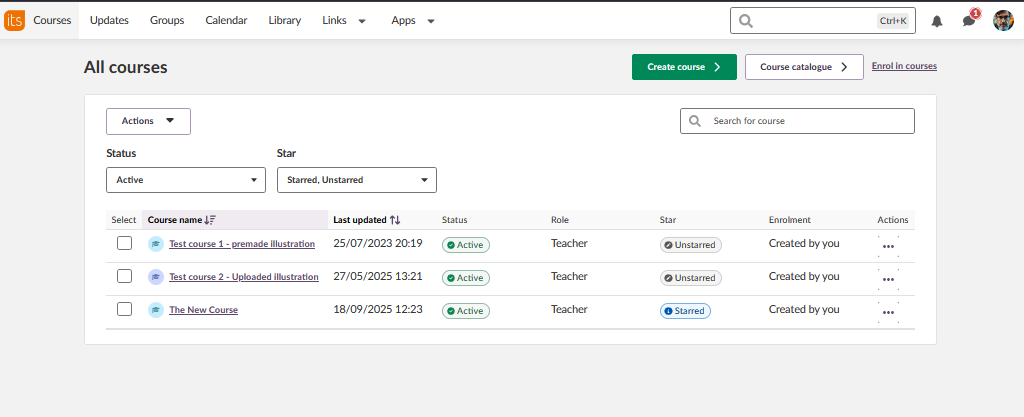
- Table view with additional details: friendly name, last updated, last visited, status, and role
- Filter options: Add, Star, Unstar, Archive
- Show dropdown: Active, All, or Archived courses
- Sign up for additional courses via the local course catalogue
Course Management
- Courses are archived rather than deleted, allowing content reuse
- Search and sort functionality available
- Direct access to course content via course titles
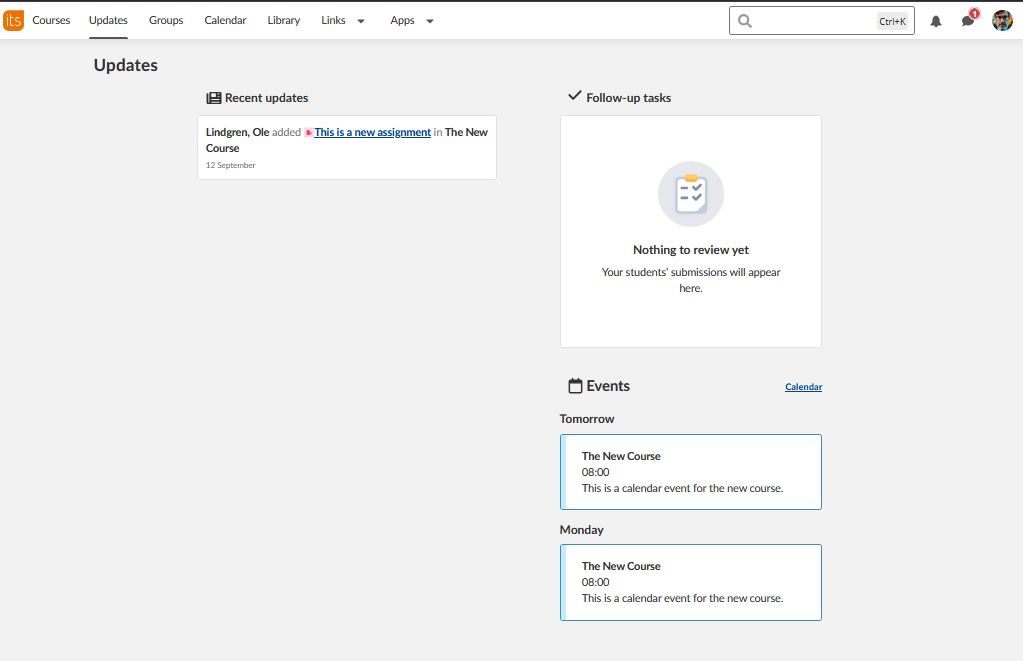
2 Updates
3 Groups
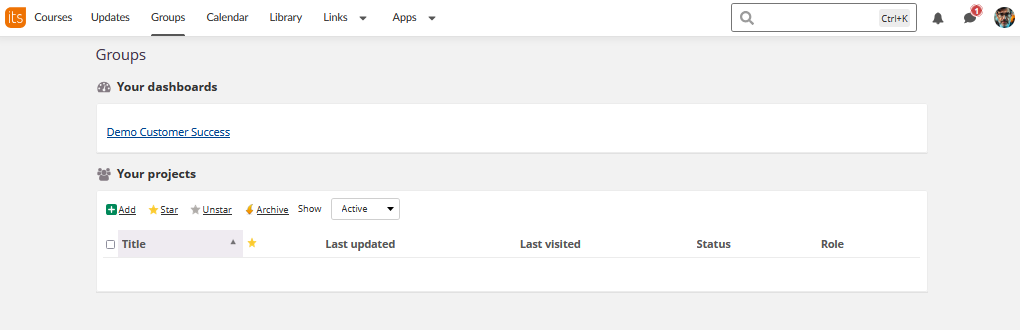
Access communities and organisational dashboards.
Your Dashboards
- View assigned organisational dashboards
- Access community spaces
Your Projects
- Manage collaborative projects
- Filter options: Add, Star, Unstar, Archive
- Status tracking for project participation
4 Calendar
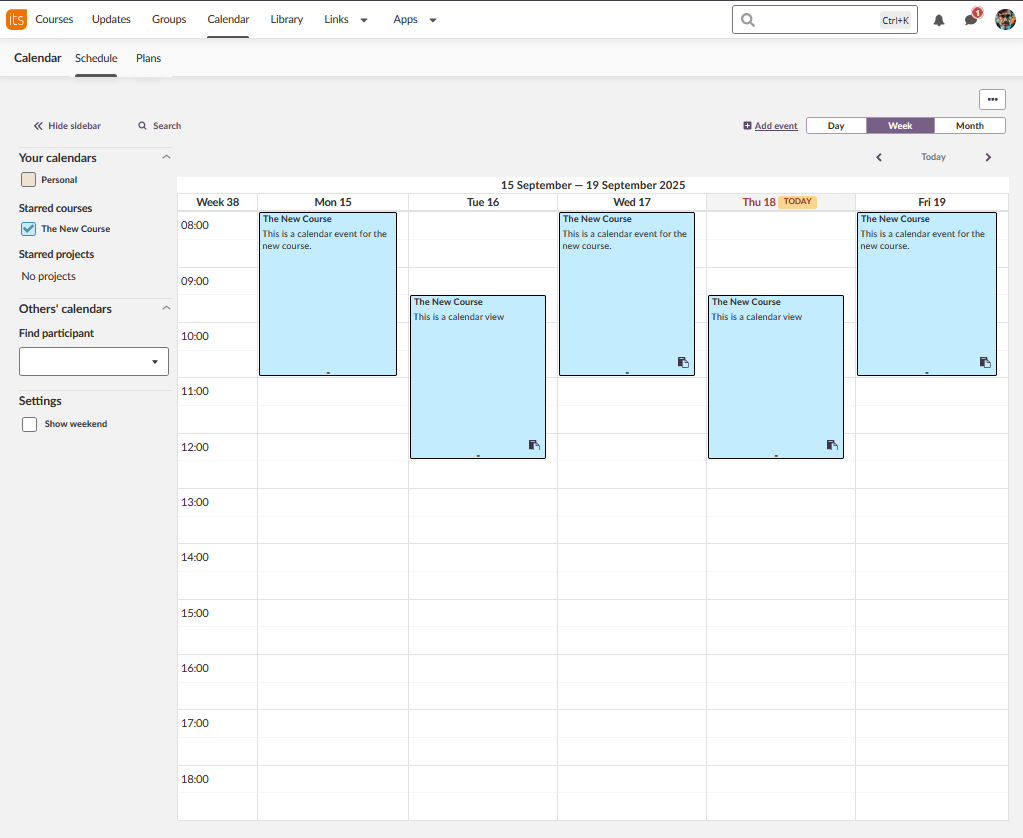
Comprehensive scheduling and planning tools.
Calendar Views
- Day, Week, and Month views available
- Schedule and Plans tabs for different perspectives
Calendar Management
- Your calendars: Personal calendar included
- Starred courses: Toggle course calendars on/off
- Starred projects: View project-related events
- Others' calendars: Access shared calendars (if available)
Booking System (optional)
- Find participant booking options
- Booking management tools
- Integration with course scheduling
5 Library
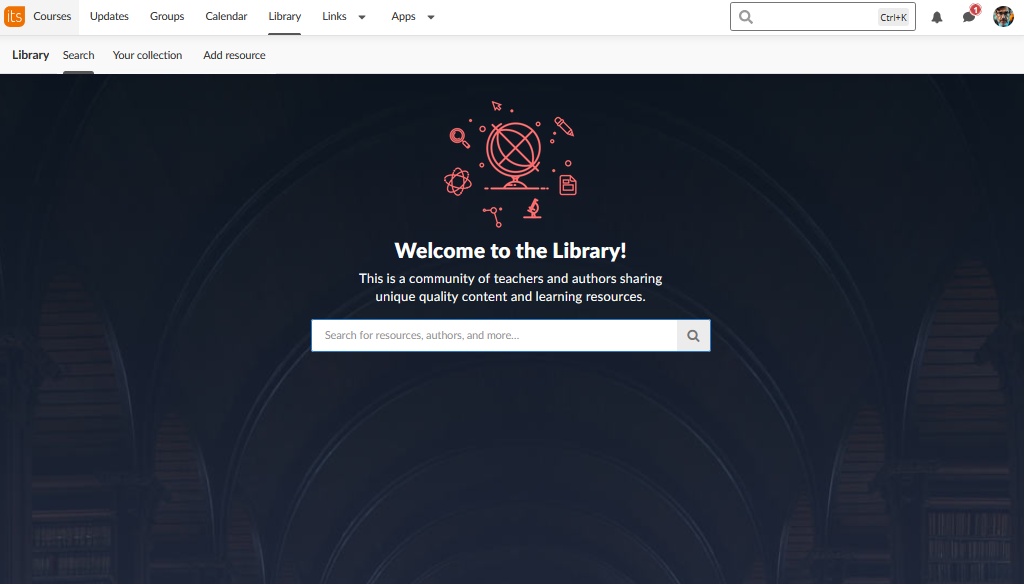
Discover and share educational resources.
Resource Discovery
- Community-driven content sharing platform
- Search for resources, authors, and learning materials
- Quality content curated by teachers and authors
Personal Collection
- Save resources to your personal collection
- Add your own resources to share with the community
- Manage and organise your library content
Add resource
Create and share resources within your school or site
6 Links (optional)
Custom links: District or school-created navigation options
7 Apps (optional)
School-specific resources and utilities
8 Search bar
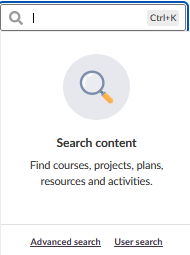
Search for all content within your courses, resources etc
9 Personal Menu
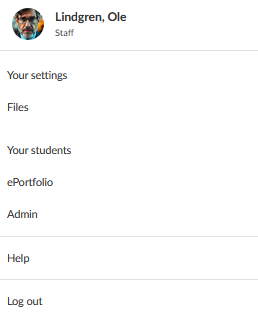
Access account settings and personal options by clicking your name/image.
Account Management
- Your settings: Personal preferences and configurations
- Your files: Access personal file storage
- Log out: Always log out when leaving the computer
Student Management
- Your students: Complete list with student details
- ePortfolio: Access student portfolio system (if enabled)
- Click student names to view profile cards
Admin
- Admin: Administrative functions (permission-dependent)
- Additional options may appear based on your role and permissions
Help
- Direct link to itslearning help page in your language.
- Note! This defaults to English if language doesn`t have native support articles.
10 Notifications and Messaging
Stay connected with your courses and colleagues.
Notifications
- Bell icon: System and course notifications
- Activity alerts from your courses
- Important announcements and updates
Internal Messaging
- Speech bubble icon: Quick access to messaging system
- Communicate with students and colleagues
- Integrated messaging platform
11 Additional Options
Role-based features that may appear in your menu:
Mentoring and Supervision
- Mentor: Assigned individuals or groups for development
- May appear as "Headteacher," "Supervisor," or custom titles
- Individual learning plan management
School Resources
- Custom links: District or school-created navigation options
- Integration with local systems and resources
More Help Resources
Have more questions? Please start with asking your school administrator.
Product Release notes
Stay updated with itslearning latest releases: https://itslearning.com/product-updates
Service Status
Check the current status of itslearning services: https://status.itslearning.com/
Ideas Portal
Share your ideas and help shape the future of itslearning: https://ideas.itslearning.com/
Roadmap
Check out our roadmap: https://itslearning.com/global/roadmap/